Week in Review: May 2, 2026
Highlights include the public release of three DevCon presentation videos, creating multiple columns in Access reports, and three different flavors of AI integration with Access.

Just Published
This section includes videos, articles, and (occasionally) open-source project updates from the past 7 days.
Articles
*Article descriptions generated by Claude-Sonnet-4.5.
- Access Forever
- Goodbye Semi-Annual Update Channel, by Peter Doering: Microsoft is merging the Semi-Annual Enterprise Channel (SAEC) into Monthly Enterprise Channel (MEC) starting July 14, 2026, ending the slowest Office update cadence option.
- a.p.r. pillai (Learn MS-Access Tips and Tricks)
- AI Integration in Access VBA and SQL Part 2: Learn how to build a custom Microsoft Access interface using a simple two-field table and form to execute AI prompts via locally-installed models like Ollama, Mistral, and Qwen2.5-Coder for generating VBA code, SQL queries, and intelligent data operations.
- John Mallinson (The VBA Help)
- VBE_Extras catch-up #7: Backup and restore your Settings: VBE_Extras allows users to backup and restore all 151 customizable settings, themes, and dialog preferences across devices via simple menu commands.
- VBE_Extras catch-up #6: Previous Lists: VBE_Extras provides commands to instantly re-display previously shown lists of declarations, references, tasks, or calls without re-parsing code, accessible via Alt+L or Alt+Q keyboard shortcuts.
- VBE_Extras catch-up #5: References for code at cursor: VBE_Extras parses VBA code to find all references of a declaration across projects, disambiguating between same-named declarations and supporting navigation, filtering, and CSV export.
- VBE_Extras catch-up #4: Info for code at cursor: VBE_Extras displays context-sensitive information about the code element at the cursor position and opens relevant Microsoft documentation web pages for built-in types, objects, and members.
- Daniel Pineault (DEVelopers HUT)
- New SysCmd Actions That Give You Office Version Information From VBA: Microsoft Access Beta Channel now includes new SysCmd constants (720-725) that return Office version, build number, update channel, and bitness information directly from VBA without registry access.
- What People Don’t Understand About the New Outlook: Explains that the New Outlook is a cloud-based client with significant departures from classic Outlook, including accessibility limitations, missing functionality, increased resource usage, and potential legal risks from data being transmitted to Microsoft's servers.
- Crystal Long (Ms Access Gurus)
- Go To Bookmark Start in Word Document: Downloadable VBA code (BookmarkDoc_GotoStart_s4p) navigates to a specified bookmark's starting position in any open Word document from Access, Excel, or other VBA host applications.
- Mike Wolfe (NoLongerSet)
- Throwback Thursday: April 30, 2026: A retrospective highlighting VBA IDE case-changing frustrations and the integration of the clsStandardLetterCasing solution into Adam Waller's VCS Addin version 4.1.5+.
- twinBASIC Update: April 28, 2026: Weekly twinBASIC project update covering Discord discussions on UDT comparison semantics, LLVM performance status, command-line argument parsing, and cross-platform roadmap delays to 2027.
Videos
- Karl Donaubauer (YouTube channel)
- Access DevCon 2026 – Practical twinBASIC (46:50): Access DevCon 2026 – Practical twinBASIC
- Access DevCon 2026 – New Features in VBE_Extras (21:58): Access DevCon 2026 – New Features in VBE_Extras
- Access DevCon 2026 – Add Style to your Windows, Forms and Messages (49:47): Access DevCon 2026 – Add Style to your Windows, Forms and Messages
- Richard Rost (YouTube channel)
- Terminology (03:02): Microsoft Access Database Terminology Explained For Beginners
- Kanban Board (06:18): Microsoft Access Kanban Board Preview - Full Video Coming Tomorrow
- Access App-in-a-Day Conference (01:42): Microsoft Access App-in-a-Day Conference. UKAUG - May 19, 2026 in Birmingham, England
- Developer 55 (01:50): How To Build a Complete Custom Dark Mode System for Forms and Controls in Microsoft Access
- Developer 56 (02:18): Access Developer 56: More Dark Mode, Bubble Sort, Temp Tables, Disconnected In-Memory ADO Recordsets
- ODBC Error (37:23): Microsoft Access ODBC Insert on Linked Table Failed Error 3155 SQL Server Fix, Workaround - QQ 89
- Report Columns (14:51): How To Create Multiple Columns In Microsoft Access Reports With Text Wrapping
GitHub Projects
MCP-Access shipped three updates on April 24. v0.7.27 introduced a new access_find_definition tool — the inverse of access_find_usages — for jumping to VBA symbol declarations, contributed by @TvanStiphout-Home. v0.7.28 followed up with polish for the new tool: trailing comments in constants, the Default property modifier, and _-line continuations. v0.7.29 was a broader audit pass — most notably, access_vbe_patch_proc no longer silently drops form/report code edits, access_delete_relationship now requires confirm=true, and destructive-SQL detection sees past leading comments. Tool count unchanged at 62.
 unmateria
New to Me
This section includes content I discovered this week that has been around for a while.
 Geoffrey L. Griffith (https://GeoffreyGriffith.com)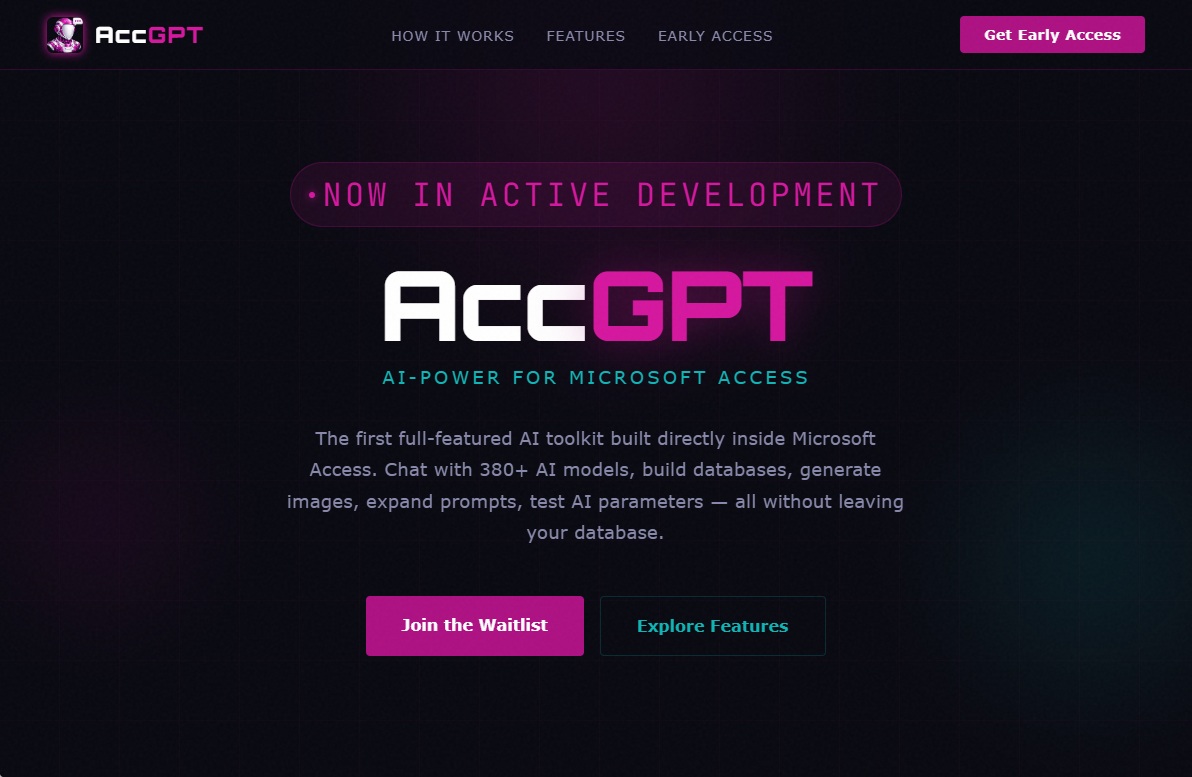
Upcoming Access User Group Events
NOTE: Only English-language user group meetings with scheduled guest speakers or topics are listed. For a complete list of upcoming events, visit the Access User Group event calendar.
- [May 6, 2026] Tim Finch: Grid Lanes
- [May 7, 2026] John Colozzi: Access Isn’t Dead. It Finally Got a “Co-Pilot”. (No. Not that one.)
- [May 14, 2026] UKAUG App-in-a-Day Conference: Birmingham, UK
- Armen Stein
- Anders Ebro
- Kevin Bell
- Peter Bryant
- Steve Girling
- Andrew Richards
- [May 19, 2026] Juan Soto: Integrate Git into your AI environment
- [June 3, 2026] Kevin Bell: SQL Server Tips and Tricks for Access Developers
- [June 9, 2026] Juan Soto: Use AI to build complex features in Access
- [August 5, 2026] Marcus Dieterle: Use the Edge browser control to extend Access
- [September 2, 2026] John Mallinson: Working with the Windows API
- [October 7, 2026] Peter Bryant / Andrew Richards: GraphAuthenticator – the ‘New’ Outlook problem solved and a world of possibilities to explore (JUST ADDED)
Access Roadmap
There were no changes made to the roadmap between the Week in Review last week (2026-04-25) and this week (2026-05-02).
The roadmap was last updated April 20, 2026.
Listed below is a snapshot of the official Access Roadmap.
"In Development", "Rolling Out", and "Launched" are Microsoft terms that I pulled straight from the public roadmap. Dates listed are "rollout start" dates.
In Development
MAY 2026: Add zoom slider magnification to Microsoft Access: Access will add magnification slider (10% to 500%) in lower right of the application, similar to the feature in Word, PowerPoint, and Excel. It will also be keyboard accessible and available on the ribbon in Access forms, tables, and queries.JUN 2026: Modernize Access Forms and Reports to work well on Large Format Monitors: Remove the 22-inch size limit and modernize Access forms and reports [to] work well on large format monitors and provide responsive behavior for different form factors.
Rolling Out
None listed.
Launched
None listed.
Development Priorities
"Development Priorities" do not appear on the Access Roadmap. Instead, they get updated from time to time in official Access blog posts or Access engineering team presentations. I'll include a link to the source of the current development priorities as they get updated.
The items listed below reflect Microsoft's order of priority and were published in the following Access Forever article, Microsoft's Plans for Access Oct '25 – March '26.
- Continued focus on monthly issue fixes, security, customer-reported bugs, etc. to improve product quality, security, reliability, and relevance. Most of our engineering hours are spent here.
- Large monitor support: Remove 22” limitation to support using Access on modern hardware.
- Large monitor support: Enable zoom slider magnification for forms.
- Large monitor support: Modernize forms to work well on large monitors.
- Time allowing, we’ll continue to work on remaining large monitor support features (support zoom in reports and design layout, automatic zooming, support multiple monitor scenarios).
- If we still have time left over in the semester, we will begin work on Git integration for source code management in Access. (Spec is in progress. We will likely roll this out in phases also beginning the second half of 2026.)
Special thanks to Karl Donaubauer for posting the updated priorities at AccessForever.org.
Upcoming End-of-Life Dates
Here are the key end-of-life dates Access developers should track:
2024
[JUL 09]
2025
[OCT 14][OCT 14][OCT 28][NOV 11]
2026
[JUL 14]SQL Server 2016[OCT 13]Access 2021 | Office 2021[OCT 13]Windows 11 version 24H2
2027
[JAN 12]Windows Server 2016[MAR 01]Auto-migration of Classic Outlook begins for Enterprise users (originally scheduled for April 2026, but postponed to March 2027)[OCT 12]SQL Server 2017
2029
[JAN 09]Windows Server 2019[OCT 09]Access 2024 | Outlook 2024[OCT 09(or later)]Classic Outlook- See "Edit 8/12/2024" at top of this article for official clarification that "both perpetual and subscription [i.e., MS 365] versions of Outlook will be supported until 2029"
- Support for Classic Outlook is guaranteed at least through 9 Oct 2029; it may be extended beyond this date
2030
[JAN 08]SQL Server 2019
2031
[OCT 14]Windows Server 2022
2033
[JAN 11]SQL Server 2022
2034
[OCT 10]Windows Server 2025
Ongoing
- Microsoft 365 (with subscription)
Date TBD
- Complete removal of VBScript from Windows OS (Microsoft Announces the Death of VBScript)

